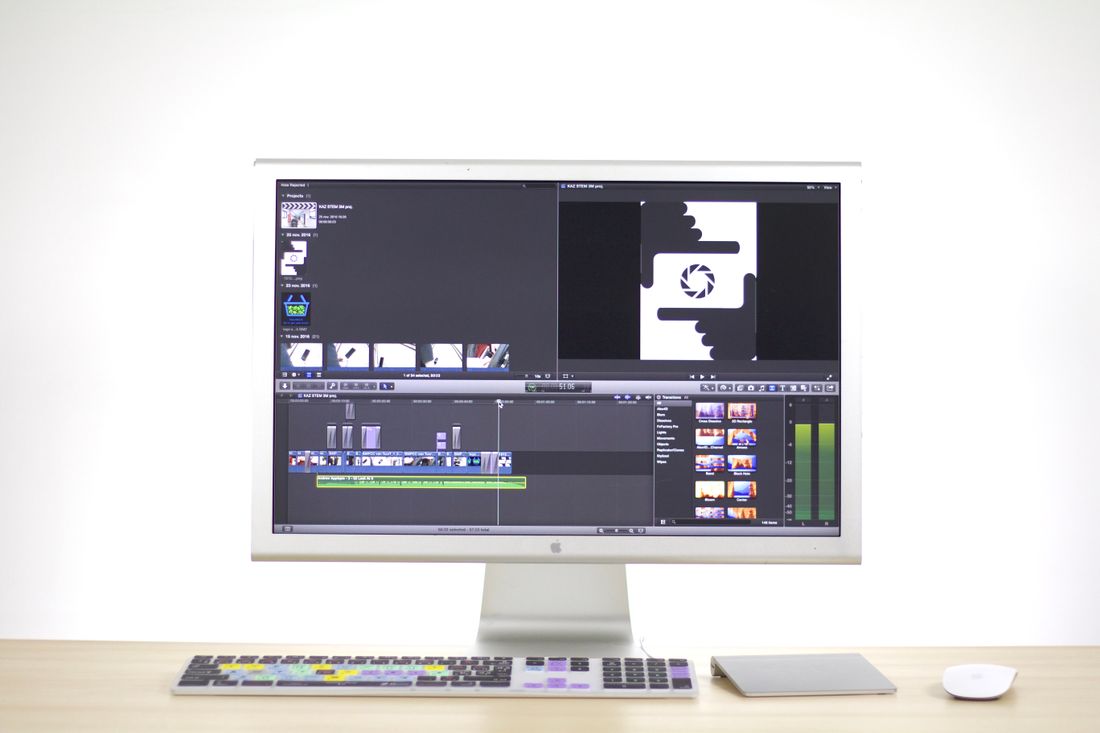
An application form doesn't care that a piece runs thirty minutes and changes meaning halfway through. It wants a still, a short clip, and a link that opens on the first try. Getting a moving work through that funnel without losing what makes it worth submitting is its own separate skill, one most artists only think about the week a deadline is due.
Application forms are built for objects: one file, one frame, one thing to judge. Time-based work has to be compressed into that shape anyway, through a still that reads as composed, an excerpt built for attention rather than chronology, and a link engineered to survive a slow connection and still work months later.
Why Do Application Forms Break Down for Video and Time-Based Work?
Most application forms assume a single object: one file a juror opens once and judges. Video and time-based work resist that shape, because a thirty-minute piece has no single frame, no natural excerpt, and no way to sit inside an upload field the way a photograph of a painting does.
The compression happens in three separate places. The form wants stills, pulled from something that never actually holds still. It wants a short excerpt, cut from something that might run twenty minutes and read differently depending on where the cut starts. And it wants a link that keeps working on a stranger's laptop, weeks or months after the application went in.
None of that is really about video technology. It's about a review process built around a static object being asked to hold something that unfolds over time instead. The work itself doesn't get worse because of that mismatch, but the record a juror sees can, if the compression is left to whatever an export button does by default rather than handled on purpose.
That's the actual job here, not shooting the piece differently, but preparing several separate things well: the still, the excerpt, the link, and eventually the archive. Each one solves a different part of the same compression problem. Treating them as one file that has to somehow do all four jobs at once is where most submission-week scrambling starts.
How Do You Choose a Still That Actually Represents a Moving Work?
A representative still comes from a frame where the composition holds on its own, not from wherever the video happened to be paused. Scrub through the piece looking for a moment where the framing, gesture, and light already read as deliberate, the way a single photograph would if someone had set it up that way.
Most moving footage spends most of its time in transition: a hand mid-motion, a body between poses, light shifting from one state to another. Grabbing a still from a random point usually lands in that in-between space, which reads as blurry, awkward, or simply undecided in a way a single photograph never would. A juror looking at that frame for two seconds is judging the whole piece by an accident of timing.
We treat frame selection as its own small edit. Scrub in short increments through any section that already feels visually strong on a first watch, then look for the handful of frames where movement briefly settles, a gesture completes, or the composition happens to balance. That moment often lasts only a few frames, easy to miss scrubbing at normal speed and easy to find once you slow down and look for it specifically.
For work built around continuous change rather than distinct compositions, choosing between two or three strong candidates and letting the artist weigh in usually beats a single confident guess. The goal isn't finding the piece's single best-looking instant. It's finding a frame that gives an honest, composed impression of what the work actually looks like in motion.
Why Does a Screengrab Look Worse Than a Properly Exported Frame?
A screengrab captures whatever your screen is doing at that instant: a video player's delivery resolution, its own compression, plus your monitor's scaling, all stacked on top of the file's original compression. A frame exported from the actual source file skips all of that and pulls the pixels the camera or edit actually recorded.
Most playback happens at reduced resolution and bitrate by default, since the platform is optimized for smooth streaming, not for someone eventually screenshotting a single frame from it. A screenshot of that playback bakes in every one of those shortcuts, plus interface elements, plus whatever compression your operating system applies to its own screenshot file. The result often looks noticeably softer, noisier, and less color-accurate than the actual work, and it looks that way for a juror who has no way of knowing the difference is an export problem rather than the work itself.
Exporting properly means pulling the frame from the original file or a high-quality master, not from however it happens to be playing back on a given screen. Most editing software can export a single frame at full project resolution directly. Where that isn't available, extracting a frame from the source file with basic command-line tools gets the same result without a re-compression penalty.
The extra step takes a few minutes. Submitting a soft, artifact-heavy screenshot as the still that represents an entire piece costs something harder to get back: a juror's first impression, formed before the video has even played.
How Do You Build an Excerpt That Isn't Just the First Two Minutes?
A strong excerpt is assembled to show what the work is actually like, not just what happens chronologically first. Many pieces open with setup, a slow build, or a stretch that only makes sense once the rest has played, and defaulting to those first two minutes often submits the weakest part of the piece as its entire first impression.
A juror moving through a stack of applications rarely watches an excerpt to completion, and often decides whether to keep watching within the first several seconds. That reality is worth designing for rather than resenting. Instead of a straight chronological cut, consider what the work needs a viewer to understand quickly: its pacing, its central idea, its strongest sustained passage, or the moment where the concept actually clicks. Build the excerpt around that, even if it means opening on a moment from partway through the full piece.
For work with a clear structure, a short assembled sequence pulling a few representative moments from across the full duration, clearly presented as excerpted rather than continuous, often gives a fairer impression than any single unbroken segment could. For work that depends on unbroken duration to make its point, a shorter continuous excerpt from the strongest stretch usually serves it better than an artificial montage that breaks the exact quality worth preserving.
Either way, the excerpt is a separate edit decision from the full piece, made with the reviewer's limited attention in mind, not a shortened copy of the same file.
What Technical Hygiene Decides Whether a Juror Actually Watches?
Hosting choice, access settings, autoplay, captions, and a simple title card decide whether a juror gets past the first ten seconds. None of these are creative decisions, which is exactly why they get skipped, but a broken or confusing link loses the piece before anyone has judged a single frame of it.
We host on a platform built for streaming playback rather than a raw file download, and set access to unlisted rather than password-protected unless the application specifically requires a password. A password gate adds a step a tired reviewer working through a stack of applications may simply not take, and it can also block the automatic thumbnail or preview some application platforms generate from a submitted link.
Turn autoplay off. A video that starts playing with sound the moment a juror opens a new tab, mid-batch review in a shared office, creates exactly the wrong first impression before the actual work has had a chance to. Captions matter for the same reason: many reviewers watch silently, at a desk, without headphones, and a piece with spoken text or narration that depends on audio alone loses part of its content in that common scenario.
A short title card at the start, naming the work, its duration, and its year, gives a juror context immediately, especially useful once the file is opened outside the application form itself and any surrounding text has been left behind.
How Do You Make Sure the Link Survives a Slow Connection and Doesn't Expire?
A link survives a slow connection when the file is hosted somewhere that adapts playback quality to available bandwidth, rather than forcing one fixed resolution or a full download before anything plays. It stays working long-term when it isn't tied to a storage quota, a trial account, or a folder someone might eventually clean out.
A beautifully mastered file that buffers endlessly on a juror's office wifi loses the piece before the content gets judged at all, which makes adaptive streaming hosting worth more here than raw resolution. Uploading through a platform built for that purpose, rather than sharing a direct download link to a large file, solves most of this automatically, since the platform handles adjusting quality to the viewer's connection in real time.
Expiration is a separate risk worth checking deliberately. Free storage tiers can hit quota limits, shared drive links can lose permissions when an account changes, and cloud folders sometimes get reorganized or deleted long after the person who made them has forgotten they exist. A link that worked perfectly the day it was submitted can quietly break weeks later, right when a juror finally gets to it.
We test the exact link fresh, in a private browser window with no saved login, which catches most of these problems before submission. Doing that test again a few days before a deadline, not just once at the start, catches the ones that only appear after something quietly changed in the meantime.
How Do You Document Installation-Dependent Work Where the Room Is Part of the Piece?
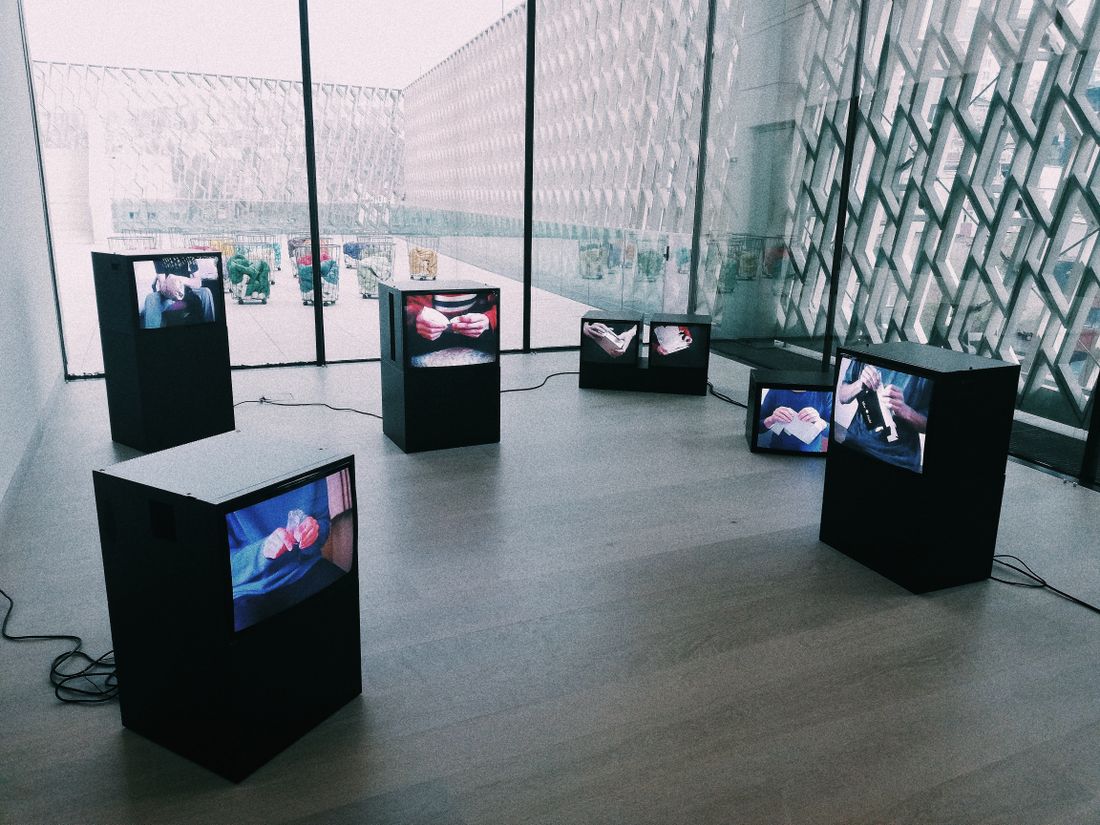
Installation-dependent work needs more than a recording of whatever plays on a screen, because the piece includes the room: its scale, the distance a viewer stands, the ambient light, and how the work sits relative to the space around it. A single tight shot of the screen content alone leaves out most of what the piece actually is.
The most useful approach usually combines a few distinct shots rather than relying on one. A wide establishing shot shows the piece at its real scale inside the room, giving a juror some sense of how a visitor would actually encounter it. A closer detail shot shows the screen, projection, or object itself clearly enough to judge its content and quality. A short walkthrough clip, moving through the space the way a visitor might, communicates something neither a still frame nor a locked-off wide shot can: the felt experience of approaching and passing through the piece.
Where the installation includes its own video or audio content, that content is often worth documenting separately from the room as well, since a reviewer judging concept or craft may want to see it clearly, on its own, without a wall or a viewer's shadow crossing the frame.
None of this replaces asking what the specific call actually wants. Some applications want the room; some want the content isolated; the strongest submissions usually include both, clearly labeled, rather than forcing one file to argue for the whole piece.
Why Are the Archival Master and the Application Package Different Files?
The archival master is the highest-quality, full-length file kept as the permanent record of the work, built for insurance, future reproduction, or a gallery archive. The application package is a purpose-built derivative made for one submission: shortened, compressed, and formatted to whatever spec that specific call requires. Treating them as the same file is what causes most last-minute re-exports.
Submitting the archival master directly usually fails on its own terms. It's often too large for an upload limit, encoded in a format the platform doesn't handle well, or simply too long for what the application actually asked to see. Going the other direction is worse: treating a compressed, cut-down submission file as the permanent record means the archive itself loses quality and duration it can't get back later, even though nothing about the original work changed.
We keep these as two clearly separate files from the point the work is finished, not the week a deadline hits, which is what actually saves time. Every future submission becomes a fresh export made from the untouched master, adjusted for that call's specific length and format requirements, instead of a search through old folders for whatever version happens to still exist.
The panic that shows up nearly every submission season, re-exporting under deadline pressure, digging for a file that no longer matches current specs, usually traces back to this one distinction never having been made in the first place.
Frequently asked questions
Can the same still image work for more than one open call, or does every application need its own?
The same well-chosen still can usually serve several applications, as long as it genuinely represents the piece and meets each call's technical specs, since resolution and aspect ratio requirements vary. What shouldn't get reused without checking is the crop or file size, since one call's requirements can clip or compress a frame that read cleanly somewhere else. Re-verify against each call's specific requirements rather than assuming one export covers everything.
Is a password-protected link ever the right choice for an application video?
Only when the specific call requires it. Otherwise, unlisted is usually the safer default, since a password adds a step some reviewers working through a large stack of applications may simply skip, and it can block the automatic preview or thumbnail some application platforms generate from a submitted link. If a call explicitly requests password protection, that instruction overrides the general preference for unlisted access.
How long should an excerpt be if the application doesn't specify a limit?
Somewhere around ninety seconds to two minutes usually works well when no limit is given: long enough to show pacing and a real sense of the piece, short enough to respect a reviewer moving through many applications. The exact length matters less than whether it's built around the work's strongest, most representative material rather than a straight chronological cut from the beginning. Pulling from more than one point in the piece often gives a fuller sense of it.
Does a title card matter if the application form already has a separate title field?
Yes, because the video file often gets opened, saved, or shared separately from the form that originally contextualized it. A short title card naming the work, its duration, and its year keeps that information attached to the file itself, which matters once it's been downloaded, forwarded to a second reviewer, or opened weeks later without the original application page still open nearby. It takes seconds to add and answers a question a reviewer would otherwise have to guess at.
Is it ever fine to submit the archival master file directly instead of making a separate export?
Rarely, in practice. Archival masters tend to run too large for upload limits, use codecs some platforms handle poorly, and often run the piece's full length rather than whatever duration the call actually wants to see. A purpose-built export, made from that master and adjusted to the specific call's format and length requirements, almost always serves the application better than the untouched original file. Keeping that export separate also means the master is never the file edited under deadline pressure.
Give your collection a record that holds up.
We document artwork the way an adjuster or appraiser would actually want to see it: full views, accurate color, condition detail, and a system that keeps every file tied to the right record.
Explore artwork documentation →