A website header can hold a still portrait or a moving one, and the two are not simply different lengths of the same idea. A motion portrait is a specific deliverable with its own shooting logic, its own failure modes, and its own reason for existing that has nothing to do with a reel or a brand film.
A motion portrait is a short, muted, looping video built from a portrait sitting, usually five to ten seconds, made to be mistaken for a photograph until something small moves: hair, fabric, a breath. It differs from a reel, which is built to be watched and edited with a beginning and an end, and from a brand film, which carries a story. A motion portrait carries no story. It earns a spot in a website header by disappearing into the page rather than asking for attention.
What Is a Motion Portrait, and How Is It Different From a Photo?
A motion portrait built for a website header is a short, looping clip made from a portrait sitting, usually somewhere between five and ten seconds, engineered to read as a still photograph until something in the frame moves. Hair lifts. Fabric shifts. A breath changes the shoulders. Nothing about it tells a story or makes an argument.
A static portrait on a website header is a strong first frame and nothing else happens after it loads. A motion portrait keeps that same first frame, then lets it hold a visitor's attention a few seconds longer without asking them to watch anything or wait for a story to resolve. It works because it borrows credibility from photography rather than announcing itself as video. Visitors who would scroll past an autoplaying clip often do not notice a motion portrait is moving at all, which is closer to the point than making it obvious.
This is why a motion portrait is not simply a shorter reel or a compressed brand film. A reel is built to be watched start to finish, with a beginning and an end a visitor is meant to notice. A brand film is built around a story someone tells. A motion portrait is built to be glanced at, sit in a header for months, and never ask for anyone's full attention. Treating it like a small version of either of those formats is usually where a header loop goes wrong before a single frame gets shot.
How Is a Ten-Second Motion Portrait Different From a Reel?
A reel is edited to be watched: cuts, pacing, a beginning that hooks and an end that resolves. A motion portrait for a header has none of that. It is one continuous, uneventful few seconds, repeated on a loop, built to disappear into the page rather than hold a visitor's eyes on purpose.
A reel earns attention through pacing, variety, motion across a scene, several setups cut together, sometimes music, sometimes captions. It succeeds by being noticed and watched to its end. A motion portrait succeeds by being mistaken for a photograph for as long as possible, and then, once someone does notice it moving, by not becoming distracting. Those are close to opposite goals, even though both formats might get called "a little video for the website" by someone describing them from outside a production conversation.
A reel that fails usually fails by being boring: nothing happens fast enough, or the cuts drag. A motion portrait that fails usually fails the opposite way, by being too eventful. A visitor catches the loop resetting, or the movement is big enough to read as an ad rather than a portrait, and the illusion that made it worth building in the first place breaks. Building for a header means designing for restraint on purpose, not building a smaller reel and hoping the runtime alone makes the difference, since briefing and shot list differ for each.

How Is a Motion Portrait Different From a Brand Film?
A brand film is built around a story: someone talking, a process unfolding, a sequence of shots that adds up to a case for the business. A motion portrait carries no narrative at all. It is a single subject, in a single setting, holding still except for one small, real movement, on loop.
A brand film usually needs a talking head, or at minimum a sequence of process shots, edited together with intention: this happens, then this, then this. That structure is what makes a brand film convincing. A motion portrait has no sequence to edit, because there is only one shot and one small movement inside it. There is nothing to cut between, no B-roll to gather, no separate audio to record and sync. The entire deliverable is closer to a single, well-chosen portrait frame that happens to keep breathing than to anything resembling a short film with a beginning and an end.
This does not make a motion portrait a lesser or shorter brand film. It solves a different problem. A brand film earns a spot on a homepage or an about page, where a visitor is already curious enough to stay and watch something unfold. A header loop earns its spot before that curiosity exists, in the seconds before a visitor decides whether the rest of the page is worth their time. Booking one when the other is what a project actually needs is usually a briefing problem, not a budget one, and it is worth sorting out before either shoot is scheduled.
Where Does a Motion Portrait Actually Fail?
A motion portrait usually fails in one of three ordinary ways: the loop point is visible, so a visitor catches the reset; the motion is too big, so it reads as an ad instead of a portrait; or the file is heavy enough that it stalls the page before anyone sees it move at all.
A visible loop point is usually a shooting problem, not an editing one. It shows up when the frame at the very start does not match the frame at the very end closely enough, so the reset reads as a jump cut rather than an invisible one. The fix is planning the loop before the camera rolls: choosing a movement small and repeatable enough that its beginning and end can genuinely match, rather than hoping an editor can paper over a mismatch afterward. A loop that has to be forced together in the edit almost always still shows its seam somewhere, even after real effort.
The other two failures are more technical than creative. Motion that is too big pulls a visitor's eye toward itself, the way a background video ad does, instead of sitting quietly behind a headline and a call to action. File weight is the unglamorous one: a header loop loads early on the page, and a heavy file can slow everything else down before a visitor sees anything move. None of this is a reason to skip a motion portrait. It is a reason to treat loop point, movement size, and export settings as part of the brief, not an afterthought.
What Kind of Motion Belongs in a Header Loop?
The motion worth keeping in a header loop is small, real, and involuntary: hair lifting in air movement, fabric settling, a breath moving the shoulders, a slow blink. The motion worth cutting is anything performed for the camera on purpose, a hand gesture, a head turn, a smile building, because performed motion reads as acting rather than presence.
This distinction matters because a header loop only gets a fraction of a visitor's attention, and involuntary motion reads as true in that fraction in a way a performed gesture does not. A hand raised to touch a collar, timed and repeated on a loop, starts to look staged the second time a visitor happens to see it reset, because real gestures do not usually repeat themselves identically. Hair moving in a breeze, or a breath settling the shoulders, can repeat on loop without looking rehearsed, because that is closer to how those movements actually behave in life. The goal on set is finding motion the subject would do anyway, not directing a new one.
A fan, an open window, or simply asking the subject to breathe normally and hold a relaxed pose is usually enough. Many studios lean on a small fan out of frame for exactly this reason, because moving air produces motion in hair and loose fabric that looks identical whether the day is windy or perfectly still indoors. The subject's job is not to perform stillness or perform motion. It is to be genuinely at ease long enough that whatever moves, moves on its own.
How Does a Studio Actually Shoot a Loop Like This?
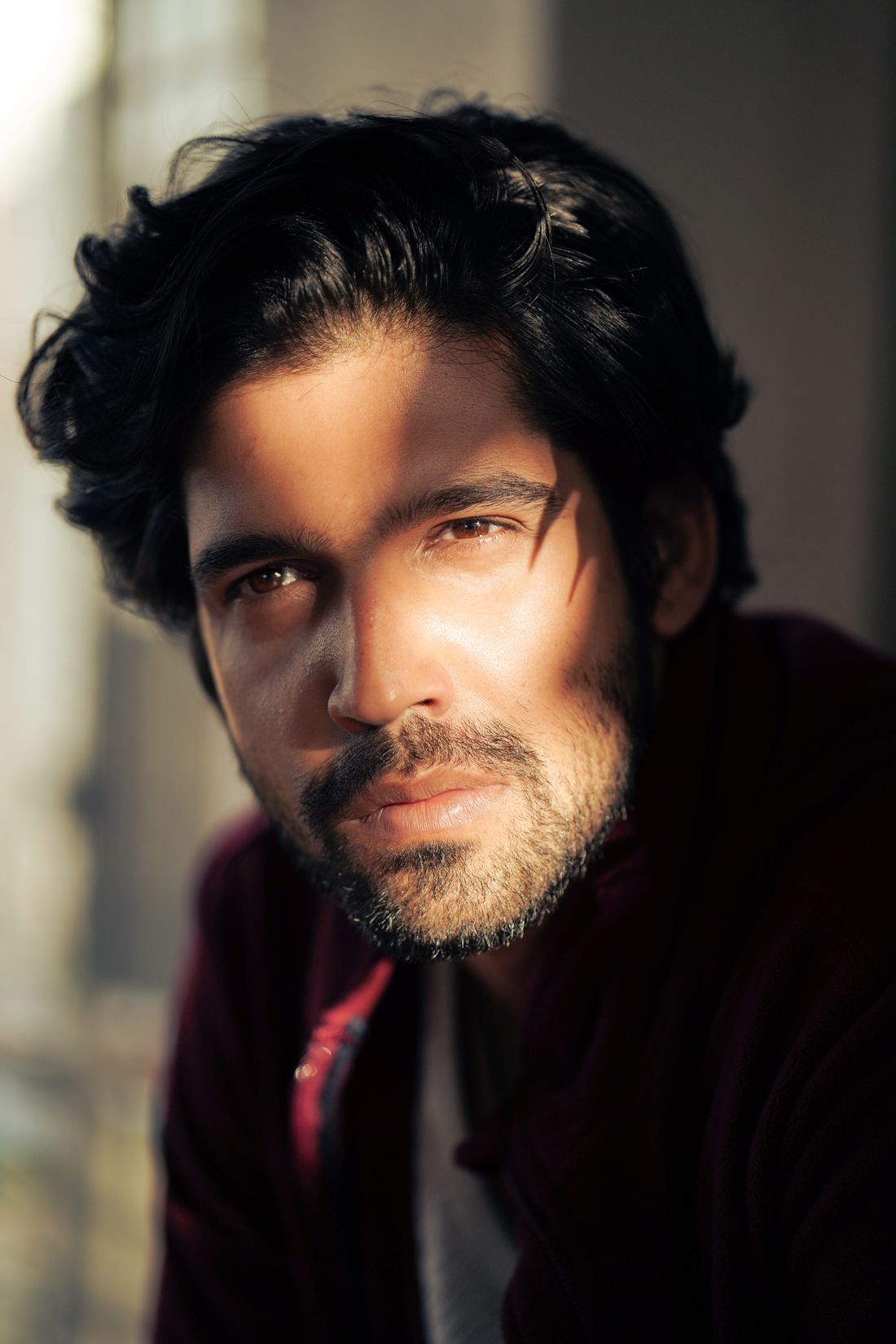
Shooting a loop like this looks close to shooting a still portrait: the same lighting setup, the same backdrop, the same brief conversation about wardrobe and posture. The difference is that the camera keeps rolling for several seconds after the still frame would normally be taken, capturing motion the photographer already knows will hold up on repeat.
Because the deliverable already has to seem like a photograph, the studio setup is usually the plainer one from a session, not the most elaborate. A clean backdrop and even, soft light hold up better on a loop than a busy set does, because a background with a lot of visual noise draws attention to itself the moment it starts moving with the subject. The camera stays locked on a tripod, exposure and white balance stay fixed, and the subject is asked to hold a natural pose rather than move through several. Simplicity here is not a budget compromise, it is what actually keeps the loop convincing.
Most sessions capture several short takes rather than one long clip, giving the studio a handful of options to choose the cleanest loop point from afterward. That editing step happens after the shoot, not during it: on set, the job is capturing enough real, small motion at a usable length that a loop point can be found in it later, not trying to nail the exact loop live in camera. Building in that margin is what turns a shoot with a camera rolling into a deliverable a website can actually use without a visible seam.
How Does a Motion Portrait Get Delivered for a Website Header?
A motion portrait for a header is usually delivered as a short, muted, silently looping video file, compressed small enough to load quickly, with a static portrait frame set as a fallback image for browsers or connections that do not autoplay video. Sound is never part of the deliverable.
Muted autoplay matters for a practical reason: most browsers block autoplay video that has sound, and a header that fails to play at all defeats the entire point of building one. Keeping the file small matters for the same reason a hero photo gets compressed before it ships, a header loop is one of the first things a page has to load, and a heavy file competes with everything else on that page for loading time. A fallback still, pulled from the same session, means a visitor on a slow connection or a browser that blocks video still sees a strong portrait rather than a blank space where the header should be.
Format and export settings are a technical conversation worth having with whoever is building the website, since a page built on one platform may want a different container or compression setting than another. What stays constant is the goal underneath those settings: the smallest file that still looks clean, muted by default, with a real still image standing in whenever the video cannot play. None of this needs to be decided on shoot day. It belongs in the export and handoff, after the footage already exists and the studio knows exactly which few seconds became the final loop.
When Does a Business Actually Need a Motion Portrait Instead of a Still?
A motion portrait earns its place when a website header already has a strong still portrait and wants a small amount of extra presence without adding a story, a voice, or a longer runtime a visitor has to sit through. It rarely replaces a still. It usually sits on top of one that already works.
A business without a strong still portrait yet is usually better served booking that first, since a motion portrait built from a weak sitting only inherits the same weaknesses with the added complication of loop points and file weight. Once a strong still exists, a motion version becomes a genuinely small addition, often captured in the same session, using the same setup, at very little extra cost of time on the day. The order matters more than the decision itself: a good still first, then motion built from that same strong foundation, rather than motion treated as a shortcut around a portrait that was never quite right to begin with.
A useful test is whether the header page is one a visitor is likely to see more than once, a homepage or an about page, rather than a single landing page for a one-time campaign. Repeat visits are where a subtle loop earns its cost, since a visitor who returns notices the site feels slightly alive in a way a static image never signals on its own. A page most people see exactly once has less to gain from that kind of return-visit polish, and a strong still portrait alone usually does the job there well.
Frequently asked questions
How long should a motion portrait for a website header actually be?
Most motion portraits built for a website header run somewhere between five and ten seconds before the loop repeats, though the visible loop itself can feel shorter or longer depending on how much motion is inside it. The number that matters more than the exact second count is whether the loop point is invisible. A five-second loop with a clean reset works better than a longer one that shows its seam every time it repeats.
Does a motion portrait for a header need sound?
No, and it should not have any. A header loop is almost always set to autoplay muted, since most browsers block autoplay video with sound entirely, and a visitor arriving at a website does not expect audio to start on its own. Sound also has nothing useful to add to a deliverable built to be glanced at rather than watched, so leaving it out is not a limitation, it is simply the correct choice for the format.
What file format works best for a looping website header?
The right container and compression settings depend partly on the platform the website is built on, so this is a conversation worth having with whoever builds the site rather than a fixed rule. Across most platforms, the shared goal is the same: the smallest file size that still looks clean, set to autoplay muted and on loop, with a static portrait image standing in as a fallback for any browser or connection that will not play the video at all.
Will a motion portrait slow down a website?
It can, if the file is exported carelessly, but it does not have to. A well-compressed header loop, built specifically to be small, adds only a modest amount of load time, similar in scale to a well-optimized hero photo. The heavier risk comes from treating the loop as a leftover video clip rather than a dedicated web asset, since an unoptimized export can genuinely slow a page down before a visitor sees anything at all.
Can a motion portrait be created from an existing portrait session, or does it need its own shoot?
It depends on what the original session actually captured. If the photographer kept the camera locked on a tripod and let a few seconds of natural stillness run before or after a still frame was taken, there may already be usable footage sitting unused. Most portrait sessions are not shot that way, though, since nobody was thinking about a loop at the time, so a motion portrait usually needs its own short, deliberate capture, planned for the loop.
A portrait that's aged doesn't always need a full reshoot.
We'll look at what you have and tell you honestly whether a refresh session covers it or the work calls for a new concept.
Explore portrait sessions →