
The video from a gallery opening or an artist talk usually gets lost the same way: a microphone mounted on the camera, recording a speaker's voice across ten or fifteen feet of hard floor and bare wall. That's the single most common reason event audio comes back unusable, and it has nothing to do with the camera itself. What actually saves it is knowing whether the room already has a sound system worth tapping, getting a mic close to the speaker when it doesn't, and running a second recorder in case the first one fails.
Usable on-site audio for a gallery opening or artist talk starts by not trusting the camera's own mic in a hard-surfaced room. It needs a feed from the house sound system when one exists, a lavalier or a close-placed recorder on the speaker when it doesn't, a second independent recorder as backup, and a level check finished before doors open, tested against a full room, not an empty one.
Why does camera-mounted audio fail in a gallery?
A microphone built into or mounted on a video camera is doing two jobs it wasn't built for: capturing a voice from several feet away, and doing it in a room that bounces sound back at it from every hard surface in the space. Neither problem is about the camera's quality. It's distance and geometry.
Distance matters because a mic's sensitivity to a voice drops off fast as the speaker moves away from it, while the room's ambient noise, footsteps, chatter, HVAC hum, doesn't drop off the same way. Move a camera-mounted mic ten feet from a speaker giving remarks and the ratio of voice to noise gets worse, not just quieter overall.
Geometry is the bigger issue in a gallery specifically. Bare walls, polished concrete or wood floors, and large glass surfaces reflect sound instead of absorbing it, so a camera mic picks up the speaker's direct voice mixed with delayed copies of that same voice bouncing off every hard surface in the room. That's what makes recorded speech in an empty or half-full gallery sound thin, echoey, and hard to understand even when the room felt fine to a person standing in it.
The fix isn't a better on-camera mic. It's getting the audio source closer to its origin, at the board if the room has one, on the speaker's body if it doesn't, before the room's acoustics get a chance to work on it.
What is a house feed and when should it replace a mic on the camera?
Many venues that run a talk, a panel, or even a reception already have their own sound system in place: a wireless handheld or podium mic wired into a small mixer at the back of the room, feeding a couple of PA speakers. If that setup exists, tapping it directly, often called a house feed or a board feed, usually beats any microphone placed anywhere else in the room.
The reason is simple. A board feed is an electrical signal taken straight from the mixer, before the sound has traveled through the air and picked up the room's reflections, echo, and ambient noise. A mic recording that same voice from across the room, even a good one, is capturing the sound after the room has already added all of that back in.
Not every gallery event has a house system worth tapping. Small openings and informal artist talks frequently run with no PA at all. When a system does exist, though, it's usually the single best audio source in the building, and it's worth confirming before assuming a lav or a shotgun mic is the plan.
What replaces a house feed when the venue doesn't have one?
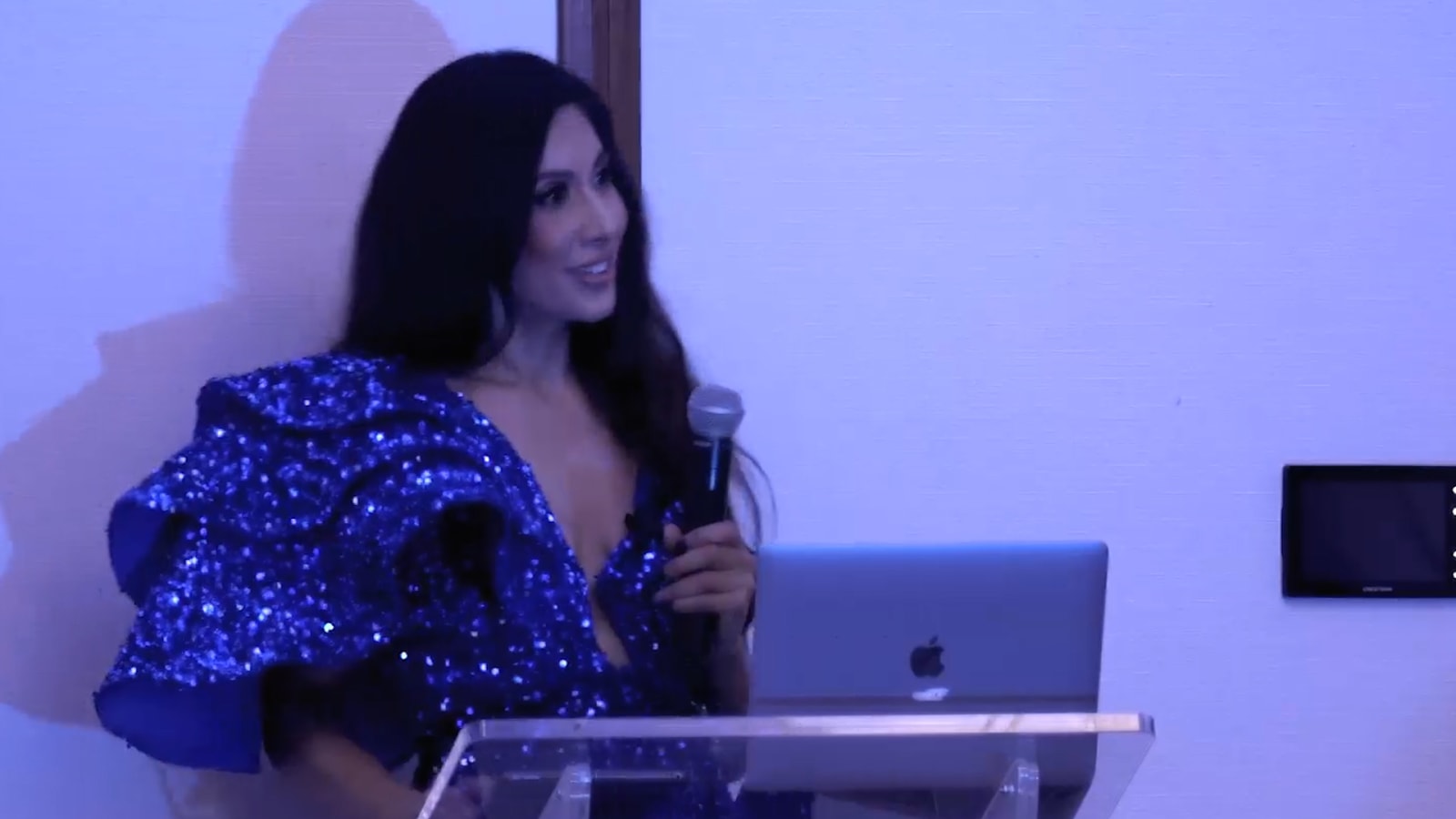
Most small gallery openings and informal artist talks have no PA system to tap, which means the same principle, get close to the source, has to happen with a mic instead of a cable. A lavalier clipped to a speaker's collar or lapel is the first option, since it stays near the mouth regardless of how someone turns their head or moves around a piece they're discussing.
When a lav isn't practical, a small handheld recorder positioned close to where the speaker will stand does a similar job. It won't isolate the voice as cleanly as a lav worn on the body, but placed a foot or two away rather than across the room, it captures far less of the room's reflections than a camera-mounted mic would.
Either option depends on knowing the format in advance. A defined speaking position, a podium, a spot in front of one piece, makes a lav or a placed recorder straightforward. A looser format, remarks given while walking the room, makes it harder, and that's usually where a shotgun mic mounted close to the camera becomes the more workable compromise, even with its limitations.
Why is a second, independent recording device non-negotiable?
A backup recorder exists because a single point of audio failure at a live event can't be reshot. A second device running independently, on its own battery and its own storage, means a dead battery, a loose cable, or a corrupted card on the primary system doesn't erase the only usable audio from the night.
These failures don't announce themselves. A lavalier's battery can die thirty minutes into an hour-long talk. A cable can work loose from a camera's input without anyone noticing until playback. A memory card can corrupt mid-record. None of that makes noise on site; it shows up later as silence where a voice should be.
A backup doesn't need to match the primary system's quality. A phone's voice memo app or a small handheld recorder, positioned close to the same source and checked before doors open, is enough to serve as a usable substitute if the main recording fails. Treat it as part of the setup, not an afterthought: fresh batteries before doors open, and a spot check partway through if the event runs long.
What does a room full of people actually do to the sound?
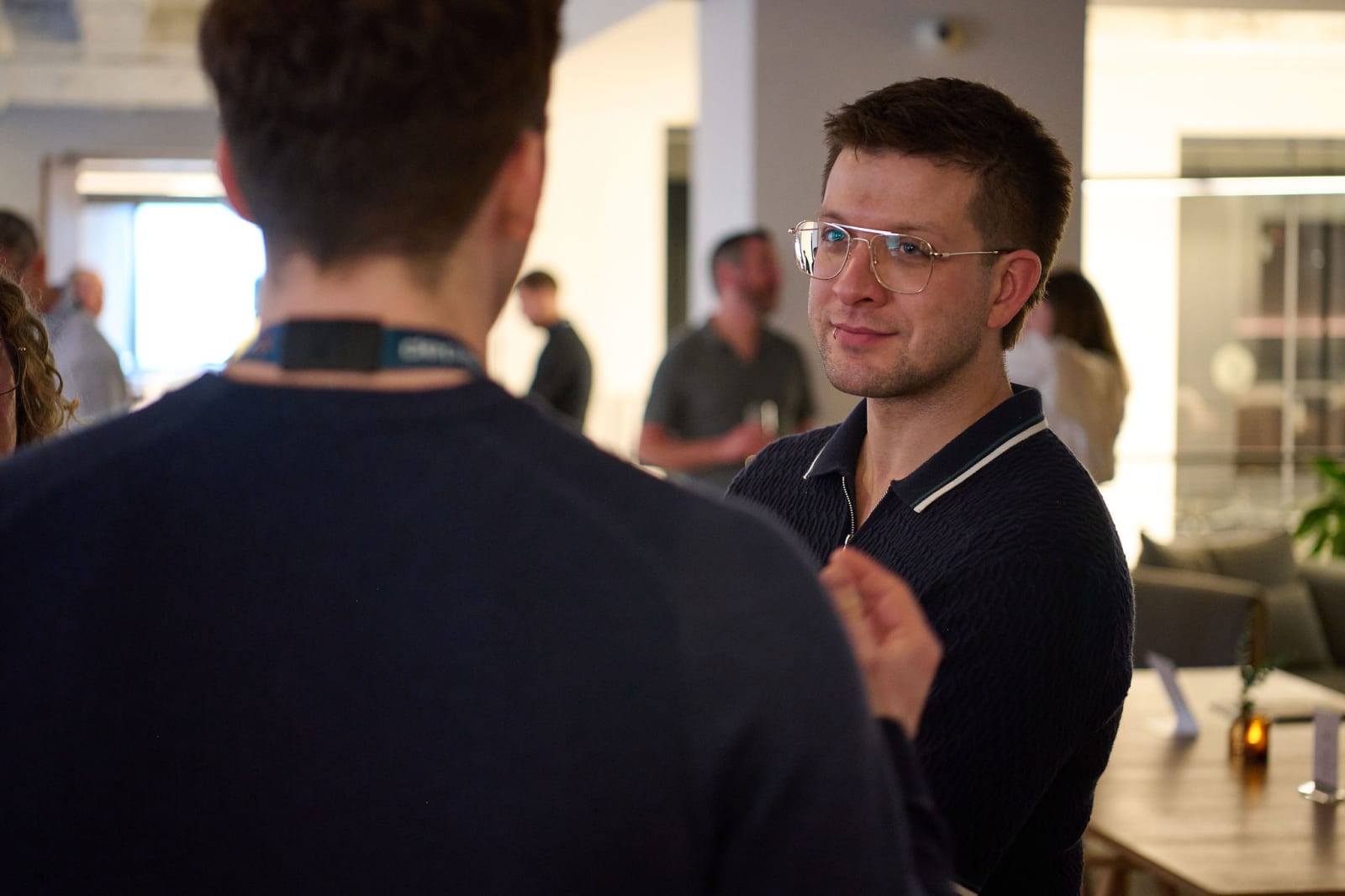
A room full of people doesn't behave like the same room empty. Bodies, coats, and clothing absorb sound the way carpet or acoustic paneling would, so a gallery that rings and echoes when it's empty calms down measurably once a crowd fills it. Reverberation, in that sense, gets better with more people in the room, not worse.
What gets worse is the noise floor. Conversation, footsteps, and glassware all become ambient sound competing with the speaker for a mic's attention, and that noise rises the more the room fills. A recording that sounds clean during an empty-room test can pick up far more competing sound once fifty guests are talking around it, even if the echo itself has actually calmed down.
The practical result is that a room measured or listened to while empty won't tell the whole story. High ceilings and glass still add their own reflections regardless of crowd size. The walkthrough before doors open should account for both halves: the reverberation a crowd will help dampen, and the conversational noise floor that same crowd will add.
Why does the level check happen before doors open, not during the event?
A level check before doors open means testing input levels against the loudest and quietest moments the event will actually produce, a raised voice during remarks, a quiet conversation, the ambient noise a full room adds, while there's still time to adjust gear without interrupting anyone. Doing it live means guessing at settings while guests are already watching.
The fix is simulating the loudest realistic moment in advance: someone speaking at normal volume from where remarks will happen, background noise approximating a full room based on what the walkthrough found, and gain adjusted before a single guest arrives. That test should run on every channel in use, the house feed if there is one, the lav or recorder if there isn't, and the backup.
This also leaves room to fix a bad setup. A lav picking up clothing rustle, a mic aimed wrong, a mic placed too close to a speaker, these are fixable with fifteen minutes and no audience watching. Found twenty minutes into a live talk, the same problems mean an audible fix or letting bad audio run for the rest of the event.
Who do you need to talk to at the venue before the day?
Whether a house feed exists, and whether it's usable, is a question for the venue, not a guess made on arrival. A gallery running its own PA usually has a production contact or an in-house AV person who set it up; a smaller opening or a talk with no dedicated AV person routes through the event coordinator instead, who can at least confirm what's already wired into the room.
Worth confirming before the day:
- Is there a house PA or mixer running for this event, and can a feed be taken from it
- What time is the room accessible before doors open for a walkthrough and a level check
- Where's the speaking position, or does it move partway through
- Is there power near the mic and recorder positions, or should batteries be the plan
None of these questions require much of the venue's time to answer, and asking them in advance is what turns the pre-doors window from a scramble into a checklist that just gets executed, room by room, mic by mic.
Got overlapping openings already on the calendar?
We work out the coverage plan well before the night gets close, whether that's two shooters, a tight schedule, or simply booking early enough to avoid the conflict entirely.
Explore event coverage →