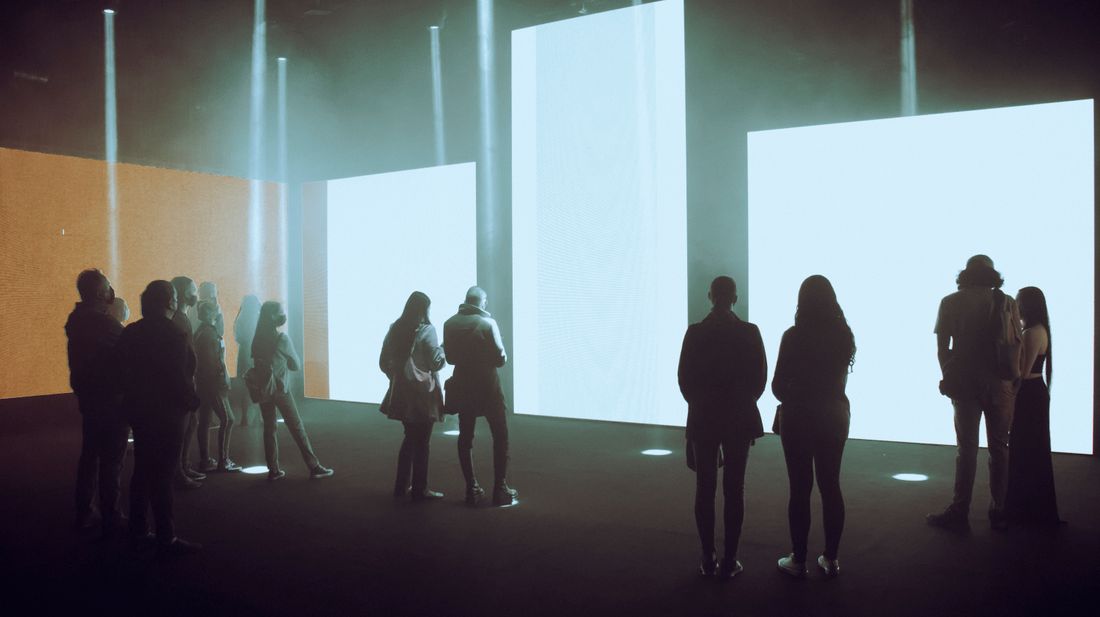
A monitor or LED panel on a gallery wall fights a camera in ways a painting never does. The screen's own light overwhelms a normal exposure, its pixel grid collides with the camera's sensor grid to create moire, its refresh rate fights the shutter to create rolling bands, and its color is emitted rather than reflected, so the usual calibration tools don't apply. On top of the physics, a video work is time-based, which makes choosing what to photograph a curatorial decision, not only a technical one.
Screen-based and video art creates problems a painting doesn't, moire from the sensor meeting the pixel grid, rolling bands from shutter speed against refresh rate, a screen's own light blowing out the room, glare on glossy panels, and color that's emitted rather than reflected. Settle which moment or file represents the work before shooting.
Why does a screen create a moire pattern that a painting never does?
Moire appears when the camera's sensor grid and the screen's pixel grid overlap at close range, producing wavy interference patterns that don't exist on the wall or in the room. A painting has no repeating grid to collide with, so the fix is changing distance, angle, or focus rather than adjusting exposure or color.
Two regular grids sitting close to each other create a false pattern wherever their lines nearly line up. The screen's pixel grid is fixed. The camera sensor's photosite grid is fixed too. Move the camera far enough back, change the angle a few degrees, or shift focus slightly off the pixel plane, and the false pattern usually breaks up, because the two grids stop lining up the same way across the frame.
In our experience, moire shows up worst on flat monitors and LED walls shot straight on and close. A slight camera angle, or backing up and using a longer lens to compress the frame from farther away, often clears it without touching exposure at all. Zooming in through live view before firing the shutter catches the pattern before the shoot moves on. If a small reframe doesn't fully clear it, a tiny change in focus distance, even without moving the camera body, sometimes shifts the pattern enough to disappear.
This is a framing and optics problem, not a lighting problem, so we don't reach for exposure compensation first. Treat it the way any interference pattern gets treated, change the relationship between the two grids until they stop resonating.
What causes rolling bands or flicker across a filmed or photographed screen?
Rolling bands appear when a camera's shutter speed and the screen's refresh rate don't line up, so the sensor captures the screen mid-refresh and records a dark or bright stripe moving through the frame. The fix is almost always shutter speed, slow it down, or nudge it in small steps until the banding stops.
A screen refreshes itself many times a second rather than showing one continuous image, and a shutter that's open for only a fraction of a refresh cycle catches part of that cycle instead of the whole thing. The mismatch shows up as a band, a flicker, or in video, a rolling wave that scrolls up or down the frame. It's the same phenomenon behind old handheld footage of televisions, just less familiar on a still monitor because a photo hides motion but not a mistimed exposure.
The practical test beats the technical explanation. Change shutter speed in small increments while checking a live view or a test frame, and stop the moment the banding disappears. There isn't one correct number that works across every screen, since refresh rates vary by panel and by what's actually being displayed, so treat it as a search rather than a lookup.
If banding persists no matter what shutter speed gets tried, the screen itself may be refreshing in a way the camera can't reconcile, and that's the moment to consider capturing the source file directly instead of fighting the panel through the lens.
How do you expose a shot when the screen is brighter than the room around it?
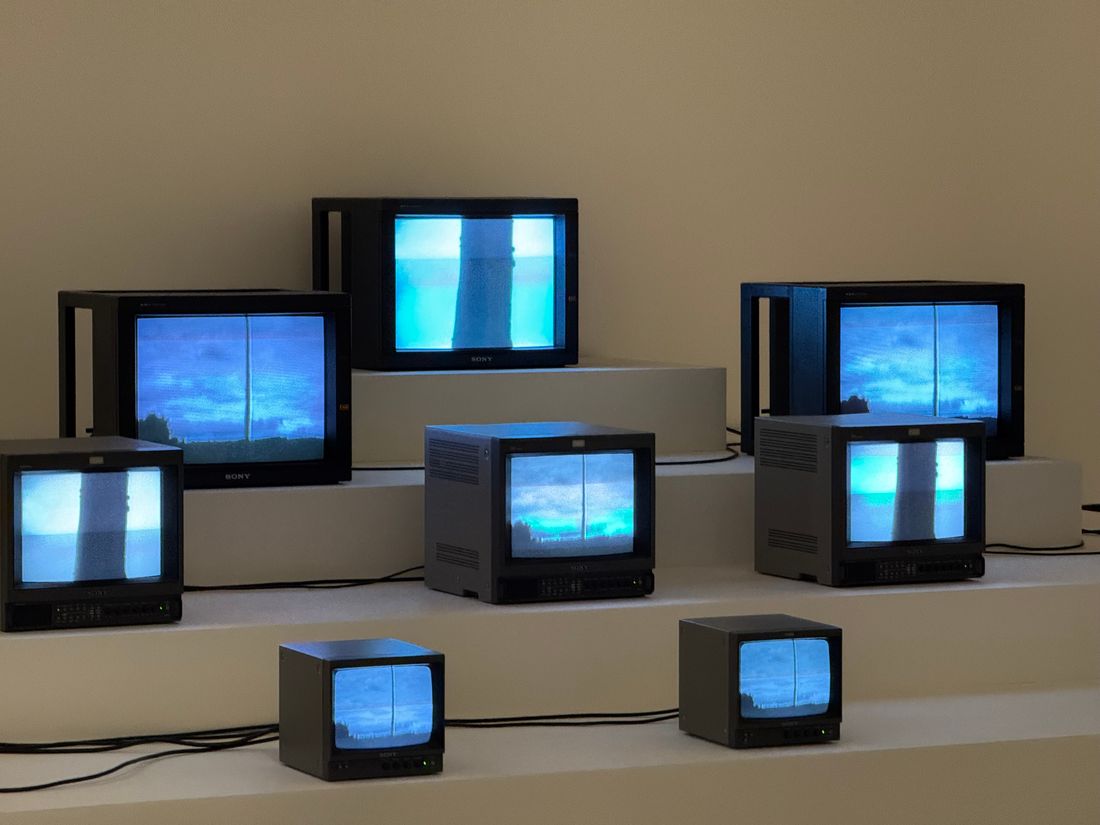
A screen is a light source, not a lit surface, so exposing for the room the way you would for a painting blows the screen out to a featureless white rectangle. Expose for the screen first, then use a longer shutter, a wider aperture, or a second frame to bring back the room and blend intentionally, not automatically.
Reflective surfaces like canvas or paper only show up because light bounces off them, so metering for the ambient room light generally exposes them correctly. A screen emits its own light straight into the lens, which means the sensor sees a small, very bright source next to a much dimmer room. Meter for the room and the screen turns into a blown-out block with no detail. Meter for the screen and the room around it often goes nearly black.
The honest fix is usually two exposures made deliberately, one that holds detail in whatever the screen is showing, and one that holds the gallery wall, the frame or housing, and the surrounding space. We combine these by hand in post, not through an automated blend, because the goal is a specific, controlled look rather than an average.
Either way, decide the priority before shooting. Is the goal showing the work in its room, or showing the screen's own image cleanly? That decision should come from the artist or curator, not get made by default in camera.
How do you handle glare and reflection on a glossy screen or panel?
Glossy screens and LED panels reflect gallery lights, windows, and the camera itself like a dark mirror, and that reflection sits on top of the image the screen is showing. Moving the camera off perpendicular, killing or repositioning the offending light, and shooting from an angle that trades a little geometry for a clean surface usually solves it.
A glossy panel behaves like a mirror hanging on the wall. Anything with a light source, including the camera's own reflection, bounces straight back into the lens at certain angles. Shooting dead on, the angle most people assume is correct, is often the worst position, because it puts the camera's own silhouette and the room's ceiling lights directly in the reflection path.
Small angle changes fix most of it. A few degrees off center moves the reflection out of frame while the screen still reads as roughly rectangular once corrected in post. Turning off or moving nearby spotlights, closing blinds, or temporarily dimming a track light aimed at the panel removes the source of the reflection rather than just its angle. A polarizing filter helps with reflections off glass, though it does less for a screen's own emitted light, since polarization mainly cuts reflected light, not light the panel is generating itself.
When the room can't be adjusted and the angle can't be hidden, we'd rather document that honestly than clone out a reflection in post. A small, honest reflection reads as an installation photo in a real room, while a suspiciously perfect surface reads as retouched.
Why doesn't a color calibration target fix a screen's color the way it does for a painting?
A color checker card only corrects for the light hitting a reflective surface, but a screen generates its own color from red, green, and blue light rather than reflecting anything, so a target held next to it measures the room, not the screen. Getting the screen's color right means matching it to the artist's source file, not a color card.
A painting or print is reflective. It has no color of its own beyond how it bounces the light falling on it, so a calibration target under that same light gives a reliable reference to correct against. A screen is emissive. It creates color directly from its own backlight or pixels, almost independent of the room's lighting, so a card photographed under gallery light tells you about the gallery, not the screen.
The more useful reference for a screen's actual color is the artist's own file, played back and compared directly against what the camera is recording. If the artist can supply the original video or image file, that becomes the ground truth for whether the documentation is reading the screen accurately.
Camera white balance still matters for how the surrounding room and any frame or housing render, but it won't correct the screen's own emitted color the way it corrects reflected color elsewhere in the frame. We treat the screen and the room as two separate color problems that happen to share a frame, and solve them with different tools rather than one blanket calibration pass.
Should you photograph the screen, or capture the video file itself?
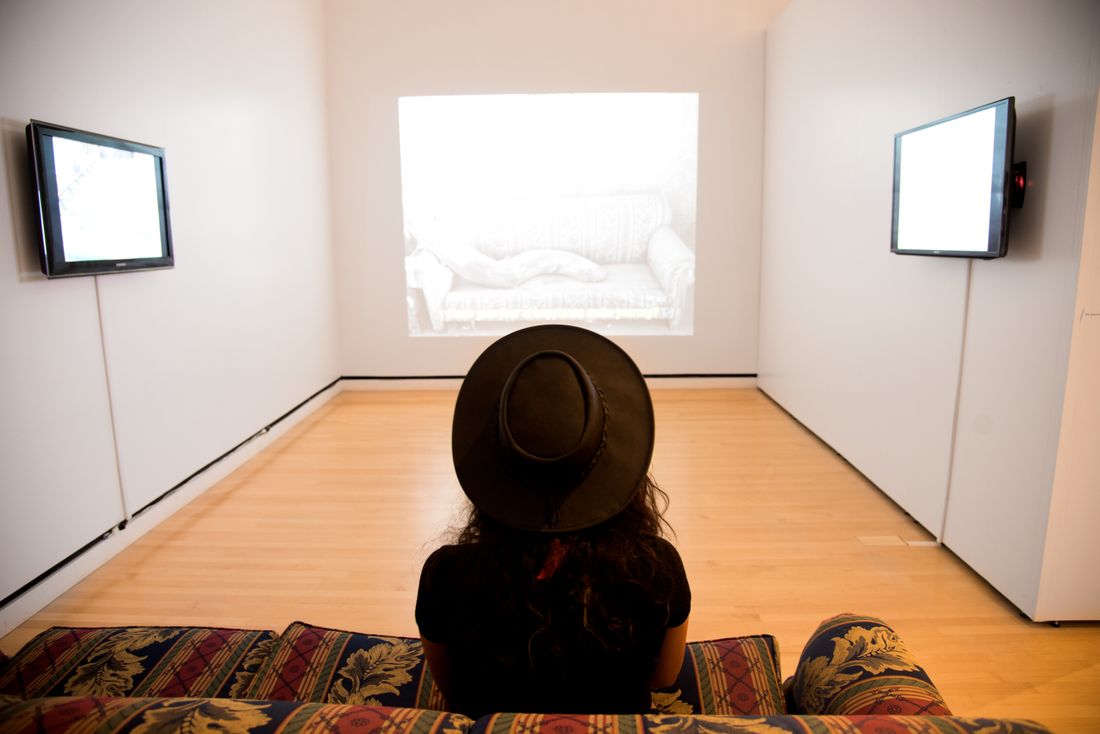
A still photograph of a screen only shows one frame of a time-based work, so it's really the room shot, proof of how the piece sits in the gallery, not a record of the work itself. A recording pulled from the artist's source file is usually the honest artwork image, since it keeps motion and duration intact.
These serve different jobs, and treating them as competitors misses the point. The photograph proves scale, placement, sightlines, and how the piece behaves inside an actual room, things a screen recording alone cannot show. A recording proves what the work actually looks like while it's playing, at full resolution and without a camera's own moire, banding, or exposure compromises layered on top of it.
A still of a screen showing black, or caught between shots, or timed wrong, proves nothing at all beyond the presence of a monitor. If a photograph must stand alone for a piece with real duration, it should show a moment the artist or curator confirms is representative, not whichever frame happened to land when the shutter fired.
For deliverables that need to show the work faithfully rather than just document its presence, we ask whether the honest answer is a recording of the room with the piece playing, a recording of the source file directly, or both, rather than defaulting to a single photograph out of habit.
What needs to be settled with the artist or gallery before the shoot?
Before a screen-based work gets photographed or recorded, settle which frame or moment represents the piece if a still is required, whether a screen recording or the source file itself is part of the deliverable, and what playback conditions the work needs, since a looping video means someone has to choose a moment on purpose.
A painting exists in one state the whole time it hangs. A video or screen-based work usually loops, cycles, or changes over minutes, which means the image of the piece is a decision, not a fact waiting to be captured. Ask the artist or curator which moment, if any, is the representative one, because a still pulled at random can misrepresent a piece that builds toward something specific later in its cycle.
It also helps to confirm early who owns the copy of the work being shown, whether that's a house file the gallery is running or a copy the artist supplied directly, since documentation quality depends heavily on the quality of the source being displayed and not only on the camera. We ask whether the artist can share the original file for reference or for a direct screen recording.
Confirm expected playback conditions too, room lighting during viewing hours, whether the piece is meant to be seen in a dark room or a lit one, and whether sound is part of the work. Settling these questions before the shoot avoids a second visit, and it keeps the deliverable honest to what the artist actually intended.
What does the final deliverable set for a screen-based work actually look like?
A complete deliverable set for screen-based work usually includes an installation photograph showing the piece in the room, a clean image or short capture of the screen itself with the room's exposure problems resolved, and, when relevant, a recording pulled directly from the source file rather than through a camera lens.
Each piece in that set does a different job. The installation shot answers what the piece looked like in the gallery, with the wall, the mount or housing, and the surrounding space all visible, even if that means the screen itself reads a little compromised in exchange for an honest sense of scale and placement. The clean screen image answers what the piece is actually showing, exposed and color-matched as closely as possible to the source file, with moire and banding resolved through framing and shutter choices rather than heavy editing.
When the work has real duration or sound, a direct capture or a short recording of the room with the piece playing fills a gap neither still image can. Not every shoot needs all three. A quiet single-channel monitor in a group show might only need the installation shot and one clean frame, while a longer or sound-based piece often benefits from a recording as the primary reference.
We agree on the set before the shoot rather than improvising it afterward, since going back to recapture a screen once a show has changed or closed usually isn't possible the way it is for a static painting on the same wall.
Frequently asked questions
What shutter speed should I use to reduce banding on a screen?
There's no single correct number, since refresh rates vary by panel and by what's being displayed. Start at a normal working shutter speed, then change it in small steps while watching a live view or test frame, and stop as soon as the banding disappears. If banding persists across every shutter speed tried, the screen may be refreshing in a way the camera can't reconcile, and capturing the source file directly becomes the more reliable option.
Can a color checker card correct a screen's color the way it does for a painting?
Not on its own. A color checker corrects for reflected light, and a screen generates its own color instead of reflecting anything, so a card photographed near it mostly measures the room. The more reliable reference is the artist's original file, played back and compared directly against what the camera records. Camera white balance still matters for the room and any frame around the screen, just not for the screen's own emitted color.
Should the screen show content or stay dark for the installation photograph?
Usually content, since a dark or black screen only proves a monitor is present and tells a viewer nothing about the piece itself. Confirm with the artist or curator whether there's a moment that best represents the work, especially if it loops or changes over time. A representative frame chosen on purpose reads as documentation, while a random frame or a blank screen reads as an accident.
Do we need the artist's original video file, or is a photograph of the screen enough?
A photograph alone only shows the piece in its room and can't capture motion, duration, or sound. If the work needs to be documented faithfully rather than just shown in context, we ask the artist for the source file or record directly from it, separate from the in-room photograph. Whether that's needed depends on what the deliverable is actually for, a gallery archive, a grant application, or a simple record of the installation.
Does a projection need to be photographed differently from a monitor or LED panel?
Yes, mainly because a projection is light landing on a surface rather than a self-contained panel, so ambient room light washes it out much faster than it would a monitor. Darkening the room further than usual, metering carefully for the projected image rather than the wall around it, and watching for the projector's own beam entering the frame all matter more with a projection than with a fixed screen.
Give your collection a record that holds up.
We document artwork the way an adjuster or appraiser would actually want to see it: full views, accurate color, condition detail, and a system that keeps every file tied to the right record.
Explore artwork documentation →