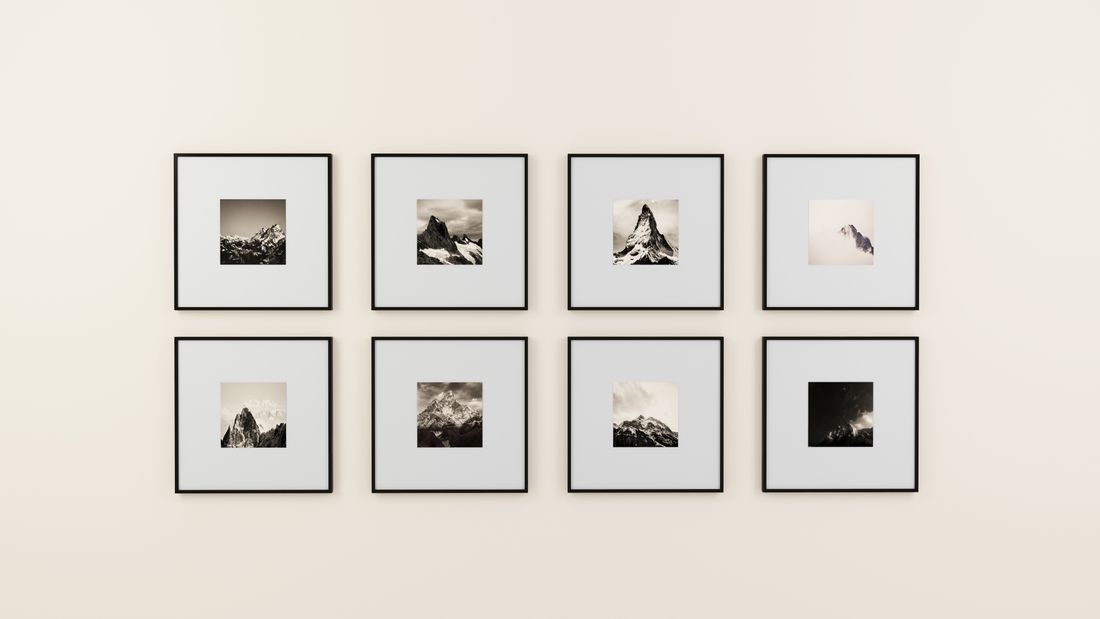
Archive-quality and sale-ready are not automatically the same capture. An artist planning a print run, a merch line, or a licensing deal needs a handful of decisions made at the shoot itself (color reference, resolution headroom, edge and margin allowance, which file variants actually get built) and those decisions cost almost nothing on the day. Skip them, and the same gap costs a full reshoot once the piece is no longer sitting in the same light.
Add merch- and print-ready capture to a documentation shoot only when a specific print run, product, or licensing use is already planned or actively in motion, not on general optimism. That call determines whether color reference, extra resolution, and edge margin get built into the day.
What's the difference between an archive shot and a sale-ready file?
An archive shot is built to record the work honestly and permanently: accurate color, a clean full-frame capture, consistent lighting, one master file per piece. A sale-ready file is built for a specific downstream use (a print run, a merch item, a licensing deliverable) and that use can demand something the archive frame never planned for.
The two goals overlap more than they conflict, which is why the difference gets missed. A standard documentation session already delivers color-corrected, high-resolution files, so it looks like one capture should cover both purposes. Often it does: a hero shot framed cleanly to the piece, lit for accurate color, captured at real resolution, usually serves an archive record and a future reprint of that piece equally well.
Where it breaks down is anything needing more than the piece itself. A print with a border needs extra frame around the image. A mug or tote with the artwork wrapped around a curved edge needs margin the archive crop doesn't include. A licensing file handed to someone else's layout needs bleed the archive crop was never meant to carry. Archive photography crops tight on purpose, because the job is documenting the work, not leaving room for a stranger's crop later.
Neither approach is wrong; they answer different questions. An archive file answers "what does this piece look like." A sale-ready file answers "what does a print shop or licensee need to do their job without calling back." Which question this shoot answers gets decided before the shutter fires, not after a print comes back cropped wrong.
Does every documentation shoot need to plan for merch or print?
No. Most documentation shoots exist to build an archive, a portfolio, or a submission file, and none of those need merch or print planning added. The decision to add that scope belongs to artists who have an actual plan in motion (a print edition, a product line, a licensing conversation), not a maybe-someday.
Treating every shoot as if it might eventually feed a print run or a product line adds cost and complexity that most work will never use. Extra frame, extra color targets, and extra file variants take time on the day and in editing, and that time gets billed whether or not the sale-ready files ever get opened again. For an artist documenting current work for a portfolio or a gallery submission, the standard archive deliverable is the right scope, full stop.
The useful test is concrete: is there a specific print, product, or licensing use already planned, or planned seriously enough that it will likely happen within the shelf life of this shoot's files? A show with a print sale attached, a merch line already in development, a licensing deal in active discussion. Those are real triggers. General optimism about future sales is not.
This is a scope conversation to have before booking, not a default built into every shoot. Say what the downstream use actually is, and let that shape whether print- or merch-ready capture gets added. If there's no real use yet, the standard archive scope is complete on its own, and nothing was left out.
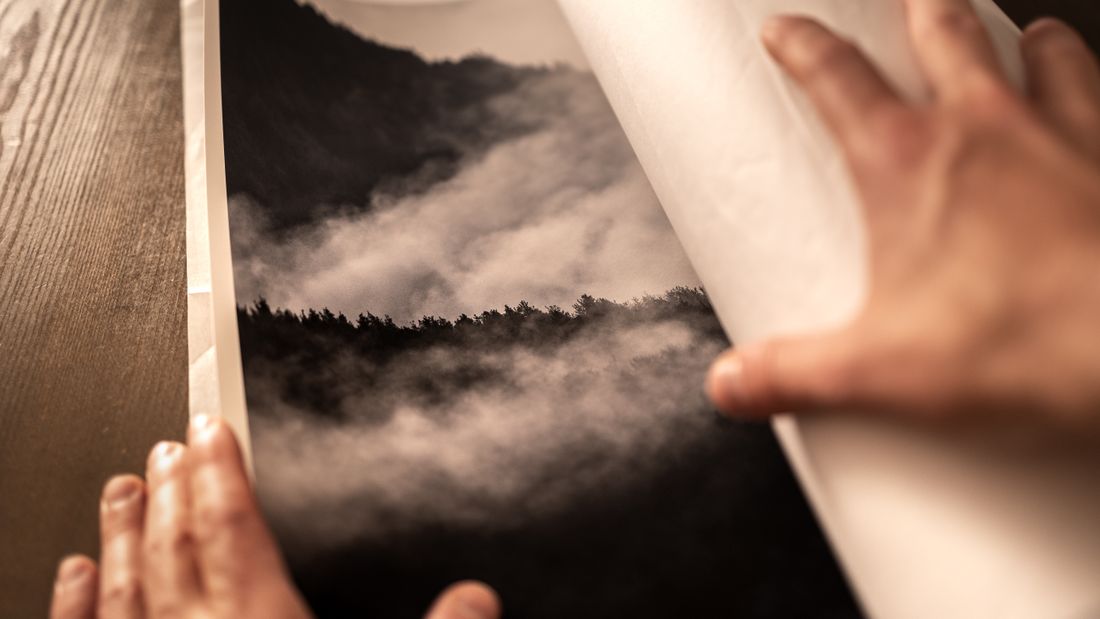
Why does color reference matter more when a print or product is downstream?
An archive photo just needs to look accurate on screen. A file headed to a print shop or a merch vendor needs to survive translation to a different device, a different substrate, and often a different color process entirely, and a color reference captured at the shoot is what makes that translation predictable instead of guesswork.
Every screen renders color a little differently, and every print process (inkjet giclée, offset, dye-sublimation on fabric or ceramic) has its own color range and its own way of shifting hues, especially in saturated reds, deep blues, and subtle transitions. A file that looks correct on a calibrated monitor can still print noticeably off if nobody captured a ground truth for what the original piece actually looked like in person.
That ground truth is what a color reference target in the frame provides: a fixed, known set of color patches photographed under the same lighting as the piece, giving anyone editing or proofing the file something objective to check against later, instead of relying on memory or a monitor calibrated differently months from now.
Skipping this step costs nothing at the time of an archive-only shoot, because nobody downstream needs to match color to a physical object. It costs real time and often a reshoot once a print is actually in production and the proof comes back visibly off, with no reliable reference left to correct against except memory.
What does 'resolution headroom' mean when the print size isn't decided yet?
Resolution headroom means capturing more pixel detail than the current known use requires, so a decision made later (a larger print, an unplanned product format) doesn't force a reshoot. It is not about matching a specific print size; it is about not locking that decision in before the artist has actually made it.
A file sized exactly for one known use is efficient, but it is also a bet that the use never changes. Merch and print decisions often get made after the documentation shoot, sometimes months later, once a gallery conversation or a collector request turns a maybe into a real order. If the original capture only had enough resolution for a small print, a larger version later means going back to the piece, if it is even still accessible, rather than simply reopening the existing file.
This is a capture-time decision because resolution headroom is close to free at the shoot and expensive to add afterward. A slightly higher-resolution capture, or a couple of additional detail frames at full resolution, adds a small amount of time on a day when the lighting and setup already exist. Recreating that same setup weeks later, after the piece has shipped, sold, or moved into storage, is a different order of cost entirely.
None of this means defaulting to maximum resolution on every frame regardless of need. It means asking, at the shoot, whether any plausible near-term use could exceed what today's plan requires, and building enough margin to cover that without needing the piece back in front of a camera.
Why do edges and margins matter for merch and print, not just archives?
An archive frame can crop right to the piece's edge because the piece itself is the whole point. Merch and print files often need extra image beyond that edge (bleed for trimming, wraparound for curved products, margin for text or packaging) and none of it exists if the original capture stopped at the frame line.
Print production trims to a final size, so anything printed needs a small buffer of image outside the visible trim line so a slight shift in cutting doesn't leave a white sliver at the edge. A tote bag, mug, or phone case wraps a flat image around a curved surface, meaning the artwork needs to extend past what a flat archive crop would include, often on more than one side. A licensing file dropped into someone else's layout needs enough surrounding space that a designer can crop to their own composition without running out of usable image.
An archive-only capture has no reason to leave any of that margin, because a tightly cropped, edge-to-edge record is exactly what documentation is supposed to be. Adding margin for merch and print use means deliberately backing the camera off, or capturing a wider companion frame alongside the tight archive shot, so both versions exist without compromising either one.
This is one of the cheapest decisions to make correctly at the shoot and one of the most expensive to fix afterward, since recovering missing edge detail usually means reshooting the piece rather than editing around a gap that was never captured.
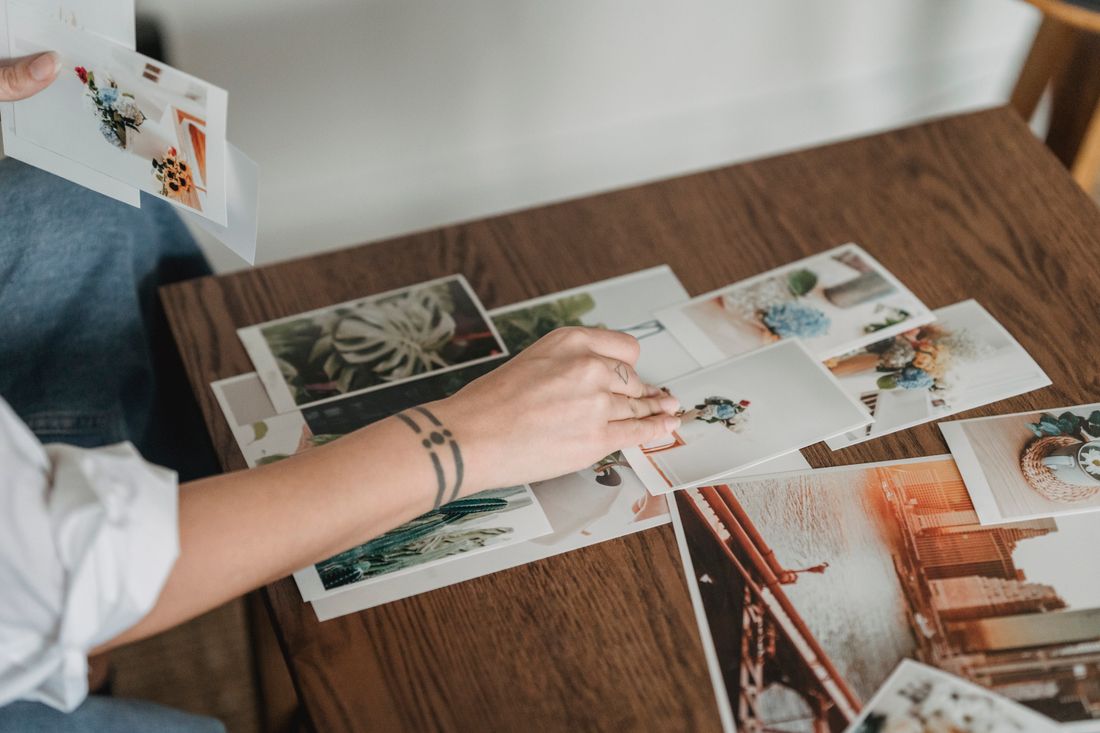
What file variants does a shoot actually need to produce for sale-ready output?
A sale-ready deliverable set generally needs three things beyond the standard archive file: a high-resolution master with margin intact, a version color-corrected and formatted for the specific print or product process involved, and a smaller web-ready version for listings and online use. Each serves a different downstream step and none of them substitutes for the others.
The high-resolution master is the working file everything else gets built from, full resolution, full margin, minimally processed, kept as the source of truth rather than edited directly. The print- or product-specific version is derived from that master, adjusted for the color behavior and cropping needs of whatever it's actually going to (a giclée print run, a fabric product, a licensing deliverable), and that adjustment is usually different for each downstream use, not one-size-fits-all. The web-ready version trades resolution for file size, built for a listing page rather than a print vendor.
Trying to make one file do all three jobs is where most of the friction in a merch or print handoff happens. A file optimized for web display is usually too small and too compressed for a print shop. A print-formatted file is often the wrong color profile or crop for a clean web thumbnail. Keeping the master separate from its derivatives means each downstream use gets what it needs without renegotiating the whole file.
None of this needs to be built out for a shoot with no downstream use yet. It becomes worth planning once an artist knows a print run, a product, or a licensing deliverable is actually coming.
What does adding this scope actually cost at the shoot versus after?
At the shoot, adding merch- and print-ready capture usually means a few extra minutes per piece: a color reference frame, a wider composition, an extra detail capture at full resolution. After the shoot, the same gap usually means arranging a second session around a piece that may no longer be in the same place, light, or even the artist's possession.
The piece itself is the real constraint. A painting still on the studio wall, in the same frame and light, costs almost nothing extra to capture a second angle or a color target for. The same painting once shipped to a collector, put into storage, or sent off for a show elsewhere is a logistics problem before it is a photography problem, assuming it can even be accessed again at all.
There's also a time cost that compounds the same way. A reshoot means re-scheduling, resetting lighting and setup, and often a second session on top of the first, for output that could have been captured in the same hour as the original documentation. None of that expense buys anything the first shoot couldn't have covered; it just repeats work already done once.
This is the actual argument for treating merch- and print-ready capture as a scope decision made before the shoot, not a fix applied after. It is not that every shoot needs the extra coverage. It's that the decision is nearly free to make correctly on the day and expensive to correct once the piece and the moment are gone.
How should an artist brief a shoot to cover both archive and sale-ready needs?
Tell the photographer, before the shoot, exactly what downstream use is real: a specific print run, a specific product, a specific licensing conversation. A vague "we might sell prints someday" produces a different plan than "this piece is going into a print edition next month," which gives enough to actually build margin, color reference, and file variants into the day.
Specificity matters because print, merch, and licensing each pull the capture in a slightly different direction. A print edition mostly needs margin and color accuracy. A product line needs to know which items and how the image maps onto them, since a mug wrap and a flat print need different amounts of surrounding image. A licensing conversation needs to know who's receiving the file, since requirements vary by recipient. Naming the actual use, not just the category, lets a shoot get planned around what will really happen rather than every possibility at once.
It also helps to say what's not planned. If an artist knows prints are likely but merch definitely isn't, saying so keeps the shoot from over-building for a use that was never coming, which keeps both the time on set and the resulting file set reasonably sized.
The artist doesn't need to know the technical specifics (color targets, bleed margins, file naming) to brief this well. Naming the real use and a rough timeline is enough for a documentation photographer to work out the rest before the piece is ever in front of the camera.
Frequently asked questions
Can archive-quality photos automatically be used for prints or merch later?
Sometimes, but not reliably. A hero shot framed cleanly and lit for accurate color often works for both an archive record and a later reprint of the same piece. It usually falls short once a use needs more than the piece itself, a print with a border, a product wrap, or a licensing file that needs bleed and margin the archive crop was never built to include.
Does this decision need to be made before every documentation shoot?
No. Only shoots with a real downstream use already in motion (a planned print edition, a product line already in development, a licensing conversation underway) need this scope added. General optimism about future sales isn't a strong enough trigger on its own. If there's no specific use yet, a standard archive shoot is the right, complete scope, and nothing important was left out of it.
What happens if merch or print files weren't captured at the original shoot?
Usually a second session, built around the same piece, has to be arranged. That's manageable if the piece is still in the studio, in the same frame and light. It becomes a real problem once the piece has shipped to a collector, gone into storage, or left for a show elsewhere, since it may no longer be accessible to reshoot at all, at any cost.
Why does a color reference matter if the file already looks correct on screen?
Screens and print processes render color differently, so an on-screen match doesn't guarantee an accurate print. A color reference target photographed in the same frame as the piece gives anyone editing or proofing the file later an objective, known standard to check color against, instead of relying on memory or a monitor that may be calibrated differently by the time a print actually gets made.
How much extra time does adding merch- or print-ready capture take at the shoot?
Typically a few extra minutes per piece: a color reference frame, a slightly wider composition, and a couple of additional full-resolution detail captures around the same setup already in place. That small addition on the day is generally far less time and cost than arranging, scheduling, and paying for an entirely separate session later, once the piece itself may no longer be easy, or even possible, to access again.
Give your collection a record that holds up.
We document artwork the way an adjuster or appraiser would actually want to see it: full views, accurate color, condition detail, and a system that keeps every file tied to the right record.
Explore artwork documentation →